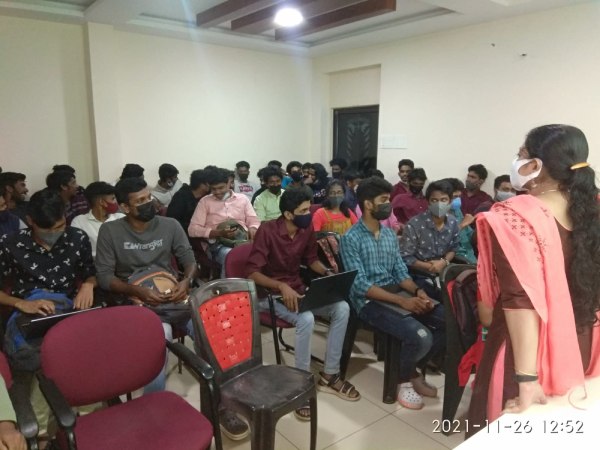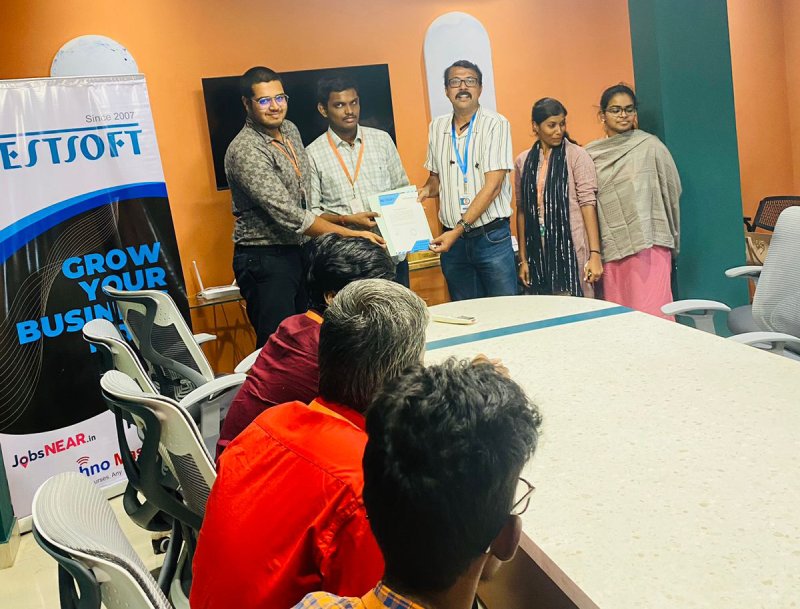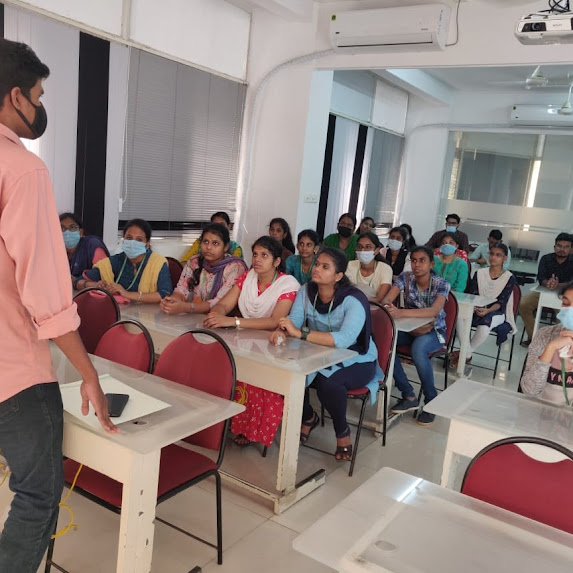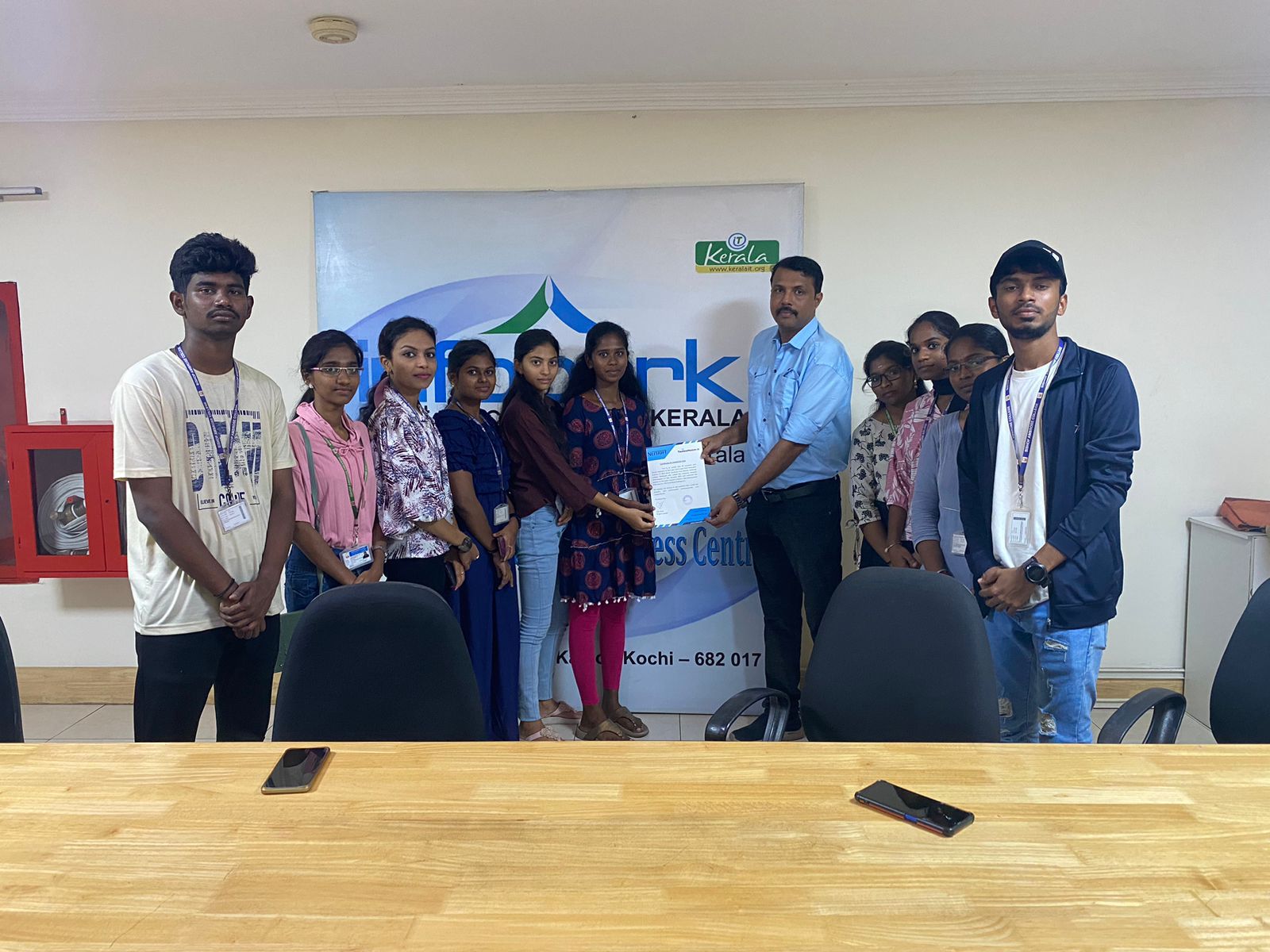
Red Hat Online Live Class by Experts
Our Training/Internship Process

Red Hat - Syllabus, Fees & Duration
MODULE 1
- Basic system configuration
- Getting started
- The basic configuration of the environment
- Configuring and inspecting network access
- The basics of registering the system and managing subscription
- Installing software
- Making system services start at boot time enhancing system security with a firewall, SELinux, and SSH loggings
- The basics of managing the user account
- Dumpling the crashed kernel using the KDUMP mechanism
- Performing system reuse and creating g backup with rear
- Using the log files to troubleshoot problems
- Accessing red hat support
MODULE 2
- System locale and keyboard configuration
- Setting the system locale
- Changing the keyboard layout
- Additional resources
MODULE 3
- Configuring the date and time
- Using the time DATECTL command
- Using the date command
- Using the hwclock command
MODULE 4
- Managing users and groups
- Introduction to users and groups
- Using command-line tools
MODULE 5
- Access control lists
- Mounting file systems
- NFS
- Setting access ACLS
- Setting default ACLs
- Retrieving ACLS
- Archiving file systems with ACLS
- Compatibility with older systems
- ACL references
MODULE 6
- Gaining privileges
- Configuring administrative access using the SU utility
- Configuring administrative access using the SUDO utility
MODULE 7
- Registering the system and managing subscriptions
- Registering the system and attaching subscriptions
- Managing software repositories
- Removing subscriptions
MODULE 8
- Accessing support using the red hat support tool
- Installing the red hat support tool
- Registering the red hat support tool using the command line
- Using the red hat support tool in interactive shell mode
- Configuring the red hat support tool
- Opening and updating support cases using interactive mode
- Viewing support cases on the command line
MODULE 9
- Yum
- Checking for and updating packages
- Working with packages
- Working with package groups
- Working with transaction history
- Configuring yum and yum repositories
- Yum plug-ins
- Automatically refreshing package database and downloading updates with yum-cron
MODULE 10
- Managing server with system
- Introduction to systems
- Managing system services
- Working with systems targets
- Shutting down, suspending, and hibernating the system
- Controlling system on a remote machine
- Creating and modifying system unit files
- Additional considerations while managing services
MODULE 11
- Configuring a system for accessibility
- Configuring the bratty service
- Switch on always show universal access menu
- Enabling the festival speech synthesis system
MODULE 12
- Open SSH
- The SSH protocol
- Configuring Open SSH
- Open SSH clients
- More than a secure shell
MODULE 13
- Tiger VNC
- VNC server
- Sharing an existing desktop
- VNC viewer
MODULE 14
- Web servers
- The Apache HTTP server
MODULE 15
- Mail servers
- Email protocols
- Email program classifications
- Mail transport agents
- Mail delivery agents
- Mail user agents
- Configuring mail server with ant spam and antivirus
MODULE 16
- Files and print servers
- Samba
- Ftp
- Print settings
MODULE 17
- Database servers
- Maria dB
MODULE 18
- Configuring NTP Using the chrony Suite
- Introduction to the chrony suite
- Understanding chronic and its configuration
- Using chrony
- Setting up chrony for different environments
- Using chronic
- Chrony with hw time stamping
MODULE 19
- Configuring NTP Using NTPD
- Introduction to NTP
- NTP strata
- Understanding NTP
- Understanding the drift file
- Utc, timezones, and DST
- Authentication options for NTP
- Managing the time on virtual machines
- Understanding leap seconds
- Understanding the NTPD configuration file
- Understanding the NTPD sysconfig file
- Disabling chronic
- Checking if the NTP daemon is installed
- Installing the NTP daemon (NTPD)
- Checking the status of NTP
- Configure the firewall to allow incoming NTP packets
- Configure NTP date servers
- Configure NTP
- Configuring the hardware clock update
- Configuring clock sources
MODULE 20
- Configuring PTP using ptp4l
- Introduction to PTP
- Using PTP
- Using PTP with multiple interfaces
- Specifying a configuration file
- Using the PTP management client
- Synchronizing the clocks
- Verifying time synchronization
- Serving PTP Time with NTP
- Serving NTP time with PTP
- Synchronize to PTP or NTP time using time master
- Improving accuracy
MODULE 21
- System monitoring tools
- Viewing system processes
- Viewing memory usage
- Viewing block devices and file systems
- Viewing hardware information
- Checking for hardware errors
- Monitoring performance with net-SNMP
MODULE 22
- Open NLMI
- About open NLMI
- Installing open NLMI
- Configuring SSL certificates for open Pegasus
- Using lmishell
- Using open NLMI scripts
MODULE 23
- Viewing and managing log files
- Locating log files
- The basic configuration of rsyslog
- Using the new configuration format
- Working with queues in rsyslog
- Configuring Syslog on a logging server
- Using rsyslog modules
- Interaction of rsyslog and journal
- Structured logging with Syslog
- Debugging rsyslog
- Using the journal
- Managing log files in a graphical environment
MODULE 24
- Automating system tasks
- Scheduling a recurring job using cron
- Scheduling a recurring asynchronous job using anacron
- Scheduling a job to run at a specific time using at
- Scheduling a job to run on system load drop using batch
- Scheduling a job to run on the next boot using a systemd unit file
MODULE 25
- Automatic bug reporting tools
- Introduction to ABRT
- Installing ABRT and starting its services
- Configuring ABRT
- Detecting software problems
- Handling detected problems
MODULE 26
- Working with grub2
- Introduction to grub 2
- Configuring grub 2
- Making temporary changes to a grub 2 menu
- Making persistent changes to a grub 2 menu using the grubby tool
- Customizing the grub 2 configuration file
- Protecting grub 2 with a password
- Reinstalling grub 2
- Upgrading from grub-legacy to grub 2
- Grub 2 over a serial console
- Terminal menu editing during boot
- Unified extensible firmware interface (UEFI) secure boot
MODULE 27
- Relax and recover
- Basic rear usage
- Integrating rear with backup software
MODULE 28
- Choosing a suitable red hat product
MODULE 29
- Red hat customer portal labs relevant to system administration
- Iscsi Helper
- NTP Configuration
- Samba Configuration Helper
- VNC Configurator
- Bridge Configuration
- Network Bonding Helper
- LVM RAID Calculator
- NFS Helper
- Load Balancer Configuration Tool
- Yum Repository Configuration Helper
- File System Layout Calculator
- RHEL Backup and Restore Assistant
- DNS Helper
- AD Integration Helper (Samba FS - winbind)
- Red Hat Enterprise Linux Upgrade Helper
- Registration Assistant
- Rescue Mode Assistant
- Kernel Oops Analyzer
- Kdump Helper
- SCSI decoder
- Red Hat Memory Analyzer
- Multipath Helper
- Multipath Configuration Visualizer
- Red Hat I/O Usage Visualizer
- Storage / LVM configuration viewer
This syllabus is not final and can be customized as per needs/updates
- Since 2001, Making IT Experts by Experts
- Duration: 40 Hours (Vary as per your skill)
- Course Fees
- Individual Live Classes (1:1)
- Batch Classes @ Low Fees
- Training on Your Time, Any Where
- Access to Recorded Videos
- Practical Internship on Projects
- 100% Placement Support by our jobsHybrid.com
- Training/Internship Certificate
- Agra
- Ahmedabad
- Alappuzha
- Aurangabad
- Bangalore
- Belgaum
- Bellary
- Bhubaneswar
- Chennai
- Cochin
- Coimbatore
- Delhi
- Dindigul
- Erode
- Gulbarga
- Guntur
- Gurgaon
- Haryana
- Hyderabad
- Idukki
- Indore
- Jaipur
- Kalyan
- Kannur
- Kanpur
- Kasaragod
- Kerala
- Kolkata
- Kollam
- Kottayam
- Kozhikode
- Lucknow
- Madurai
- Malappuram
- Mangaluru
- Mumbai
- Mysuru
- Nagpur
- Nashik
- Navi Mumbai
- Nizamabad
- Noida
- Palakkad
- Pathanamthitta
- Pune
- Punjab
- Salem
- Shimla
- Solapur
- Surat
- Thane
- Thanjavur
- Thirunelveli
- Thoothukudi
- Thrissur
- Tiruchirappalli
- Tiruppur
- Trivandrum
- Vadodara
- Varanasi
- Vellore
- Vijayawada
- Visakhapatnam
- Wayanad
Course Highlights

Our Locations

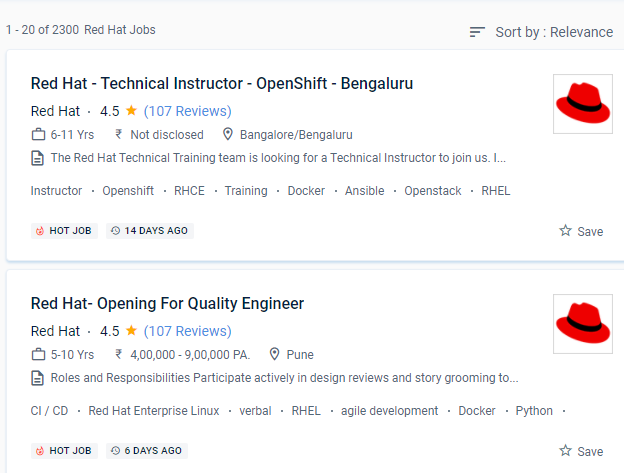
 Red Hat, Inc. The course teaches you everything you need to know about the red hat. is a United States-based software company that offers open-source software to enterprises. The red hat course will teach you extra knowledge, skills, and abilities required of a senior administrator.
You will be able to configure local storage, manage system security, effectively handle systems, administer a web server, and manage remote storage by the end of the course. Red Hat Software Collections is a collection of Web application development tools, languages, and databases. Red Hat provides a wide range of services, including storage, operating system platforms, middleware, applications, management products, education, certifications, and quality assurance. RedHat is a rapidly growing company that is thought to assist a large percentage of Fortune 100 organizations. The red hat course on the site will provide you with a once-in-a-lifetime opportunity to get real-world work experience.
.
Red Hat, Inc. The course teaches you everything you need to know about the red hat. is a United States-based software company that offers open-source software to enterprises. The red hat course will teach you extra knowledge, skills, and abilities required of a senior administrator.
You will be able to configure local storage, manage system security, effectively handle systems, administer a web server, and manage remote storage by the end of the course. Red Hat Software Collections is a collection of Web application development tools, languages, and databases. Red Hat provides a wide range of services, including storage, operating system platforms, middleware, applications, management products, education, certifications, and quality assurance. RedHat is a rapidly growing company that is thought to assist a large percentage of Fortune 100 organizations. The red hat course on the site will provide you with a once-in-a-lifetime opportunity to get real-world work experience.
.