Flutter Online Live Class by Experts
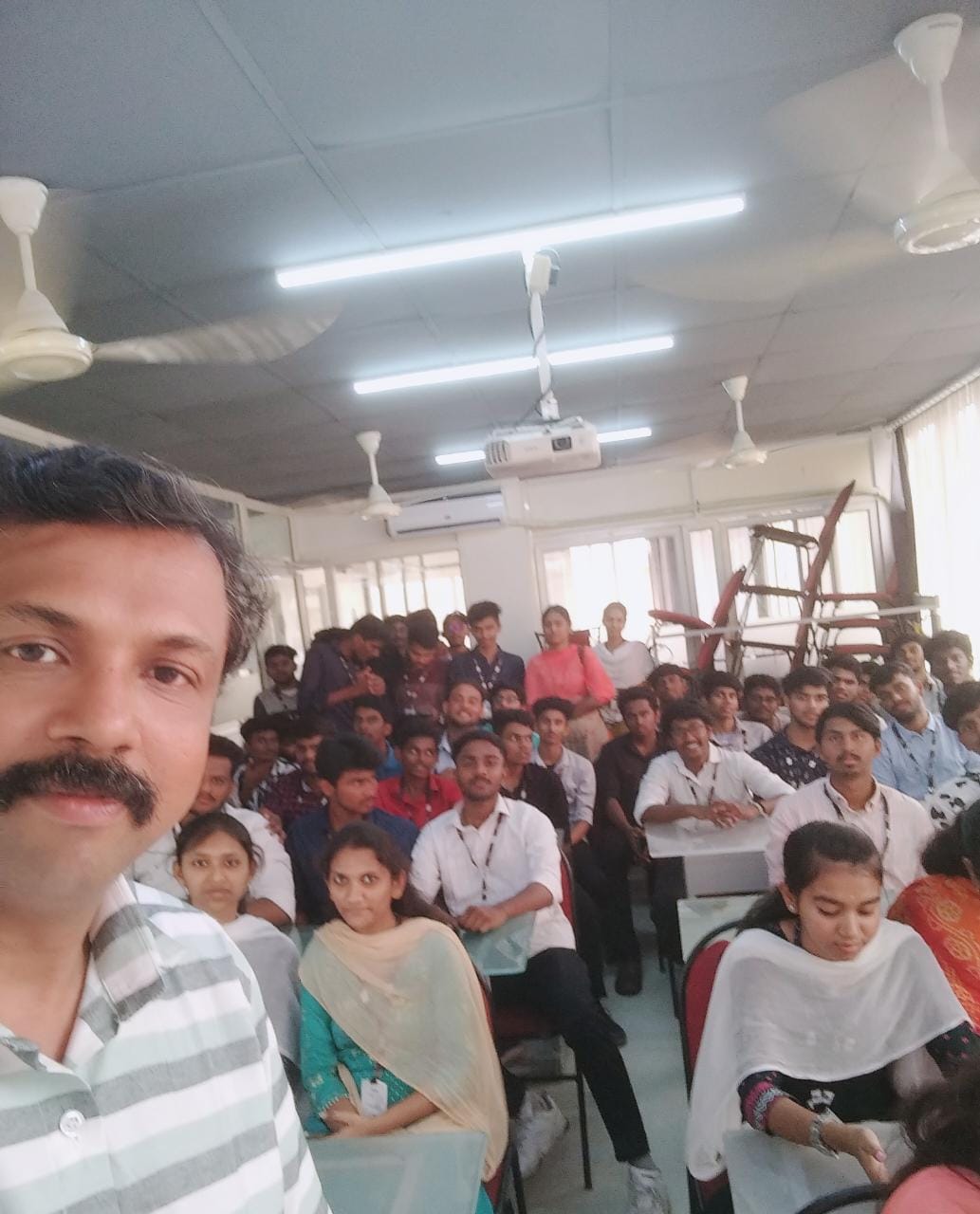
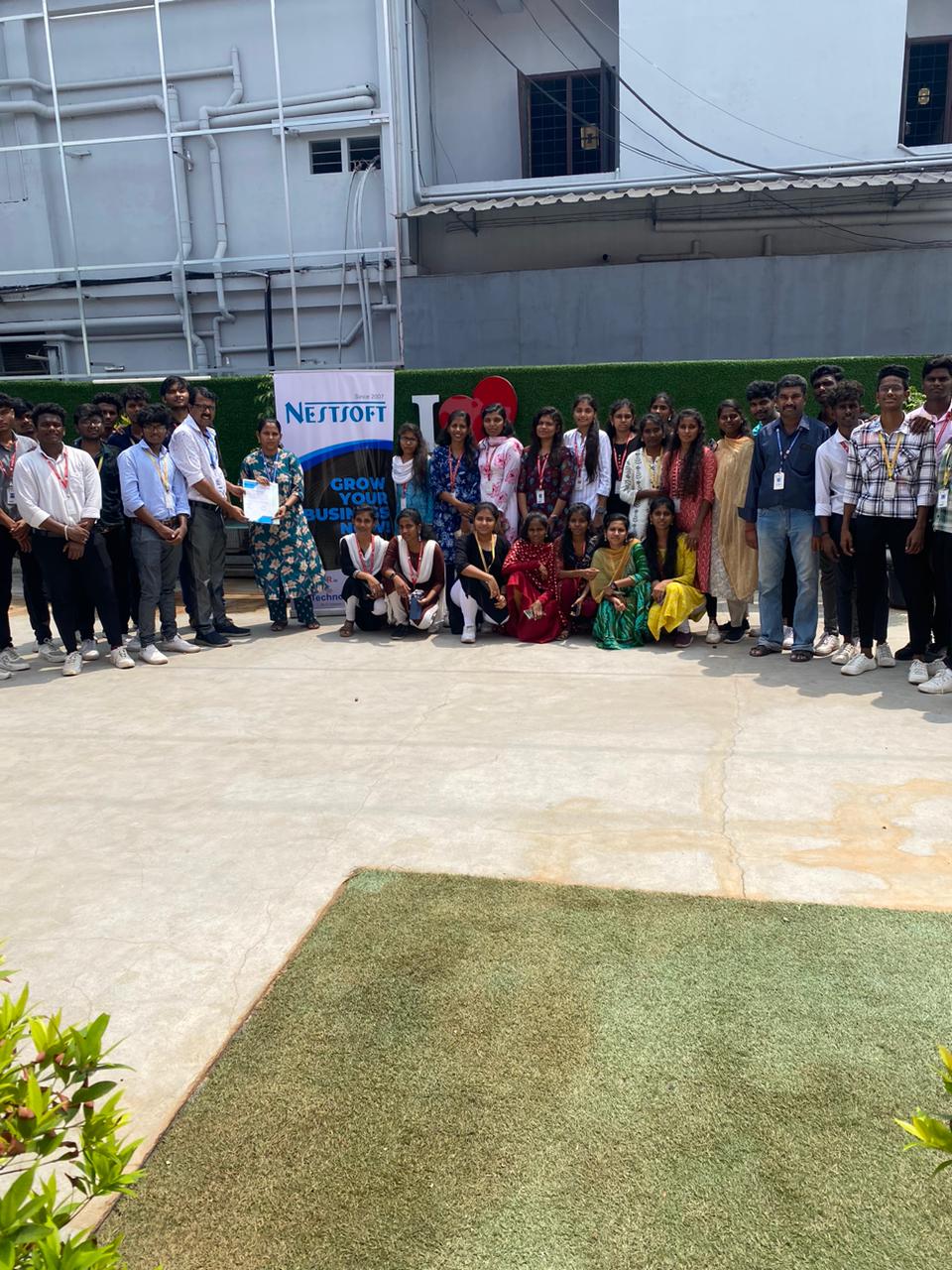
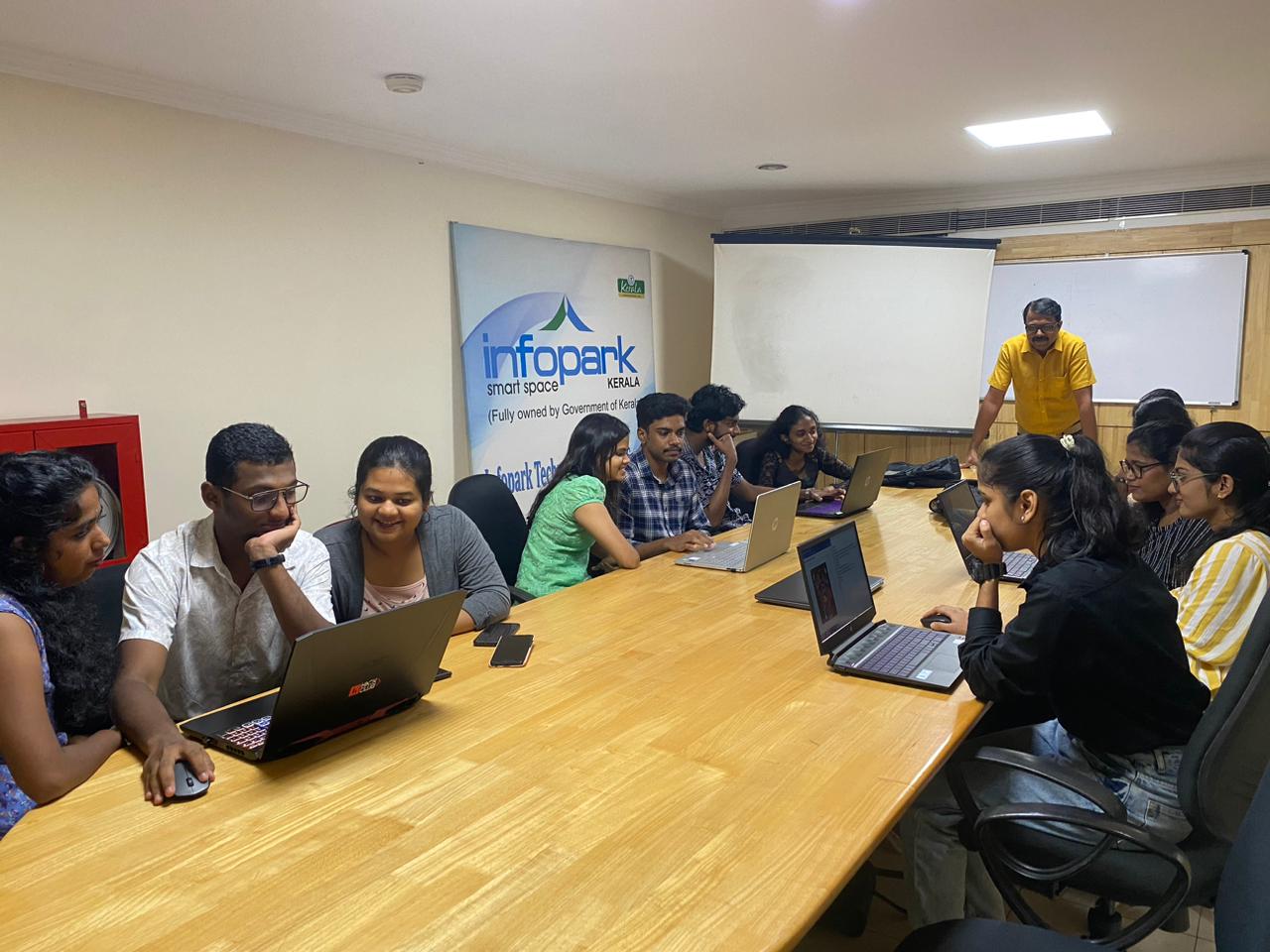
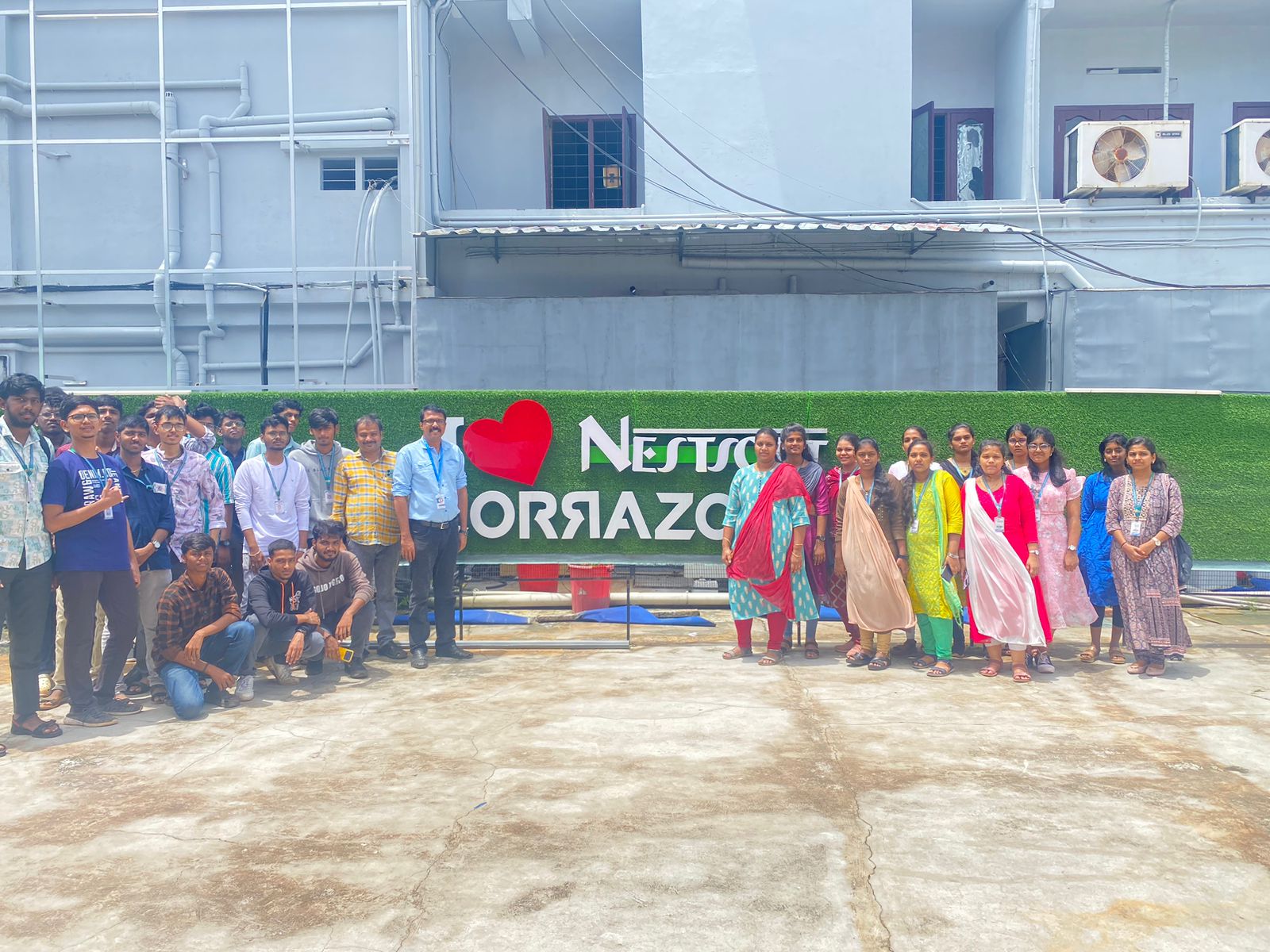
Our Training/Internship Process

Flutter - Syllabus, Fees & Duration
Module 1: Introduction
- Introduction to Flutter
Module 2: Introduction To Dart
- Reason why Dart holds the fort strong.
- Installing Visual Studio Code and the Dart Plugin.
- Installing Dart SDK.
- Writing the first Dart Program.
Module 3: Setting Up Flutter
- Downloading/Cloning the Flutter SDK.
- Installing Flutter Plugin within VS Code.
- Understanding the structure of a Flutter Project.
- Building a simple app from scratch.
Module 4: Introducing Widget
- Widgets and their role in a Flutter app.
- The MaterialApp and Scaffold widget.
- AppBar.
- FloatingActionButton.
- More widgets - Text, Center and Padding.
- Recreating the Default Flutter App (UI Only)
Module 5: Common Widget In Flutter
- Containers and their role.
- Importing images from a network.
- Importing images as assets.
- Adding icons to widgets.
- Understanding Row and Column.
- ListView and ListTile.
- Building views using ListView.builder.
- Inkwell and its importance.
Module 6: Stateless And Stateful Widgets- The Concept
- Stateless vs. Stateful widgets.
- Defining a State
- The setState() method.
- Returning to the Default Flutter App.
Module 7: Navigating Through Navigation
- Navigator and routes.
- Applying push() using MaterialPageRoute.
- Applying pop().
- Declaring parameter-less routes (push Named()) in Materia Lapp widget.
Module 8: Handling User Input
- Using Text Field.
- Handling changes to a Text Field.
- Pass retrieved values using Navigator.
Module 9: User Interface
- Applying Theme Data.
- The Basic Screen Layout.
- Applying Custom Font.
Module 10: Asynchronous Functions
- function.
- async and await
Module 11: Working With Remote Data
- The http package.
- Model Class and JSON parsing.
- Displaying Remote Data. (NEWS API).
Module 12: Local storage
- Shared Preferences.
Module 13: Using 3rd Party Packages
- The url_launcher package.
- Adding onTap() to NEWS API.
Module 14: Other Useful Widgets
- Grid View.
- The Hero Animation
- Stack
- Alert Dialog with buttons.
This syllabus is not final and can be customized as per needs/updates
- Since 2001, Making IT Experts by Experts
- Duration: 60 Hours (Vary as per your skill)
- Course Fees
- Individual Live Classes (1:1)
- Batch Classes @ Low Fees
- Training on Your Time, Any Where
- Access to Recorded Videos
- Practical Internship on Projects
- 100% Placement Support by our jobsHybrid.com
- Training/Internship Certificate
- Agra
- Ahmedabad
- Alappuzha
- Aurangabad
- Bangalore
- Belgaum
- Bellary
- Bhubaneswar
- Chennai
- Cochin
- Coimbatore
- Delhi
- Dindigul
- Erode
- Gulbarga
- Guntur
- Gurgaon
- Haryana
- Hyderabad
- Idukki
- Indore
- Jaipur
- Kalyan
- Kannur
- Kanpur
- Kasaragod
- Kerala
- Kolkata
- Kollam
- Kottayam
- Kozhikode
- Lucknow
- Madurai
- Malappuram
- Mangaluru
- Mumbai
- Mysuru
- Nagpur
- Nashik
- Navi Mumbai
- Nizamabad
- Noida
- Palakkad
- Pathanamthitta
- Pune
- Punjab
- Salem
- Shimla
- Solapur
- Surat
- Thane
- Thanjavur
- Thirunelveli
- Thoothukudi
- Thrissur
- Tiruchirappalli
- Tiruppur
- Trivandrum
- Vadodara
- Varanasi
- Vellore
- Vijayawada
- Visakhapatnam
- Wayanad
Course Highlights

Our Locations

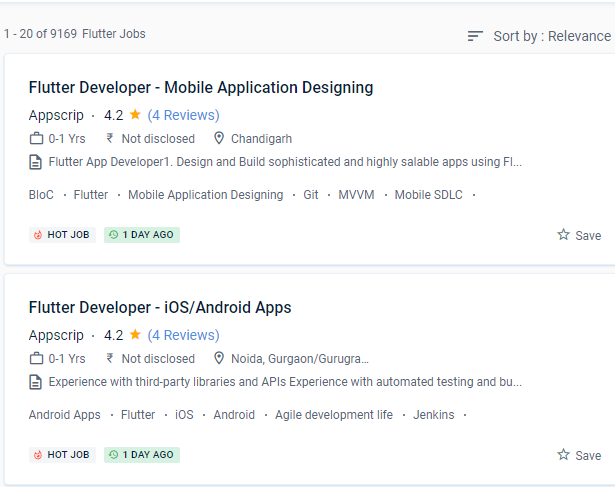
 The ability to provide developers with a tool for creating a unified user experience is its most important feature. You'll learn how to code in Dart and create attractive, quick, native-quality iOS and Android apps throughout this training programme. You'll be able to enjoy stunning widgets that are easily available now that you have your hot engine with high-performance rendering. By using the tools given by flutter, you can make internationalisation a snap and include it straight into development. The majority of the confidential writing on Flutter is done in Dart, which is a programming language similar to Java.
Google designed it using a tiered architecture to produce a UI that is both expressive and adaptable. The capacity of flutter to consume fewer resources is one of its most prominent properties. It's a method of developing an application for all operating systems on a case-by-case basis. A specialist can use the Cupertino library included in the SDK while working on the iOS component. As a result, it is more affordable.
The ability to provide developers with a tool for creating a unified user experience is its most important feature. You'll learn how to code in Dart and create attractive, quick, native-quality iOS and Android apps throughout this training programme. You'll be able to enjoy stunning widgets that are easily available now that you have your hot engine with high-performance rendering. By using the tools given by flutter, you can make internationalisation a snap and include it straight into development. The majority of the confidential writing on Flutter is done in Dart, which is a programming language similar to Java.
Google designed it using a tiered architecture to produce a UI that is both expressive and adaptable. The capacity of flutter to consume fewer resources is one of its most prominent properties. It's a method of developing an application for all operating systems on a case-by-case basis. A specialist can use the Cupertino library included in the SDK while working on the iOS component. As a result, it is more affordable.